


Great reasons to buy from us:
-

30-Day Money-Back Guarantee
Changed your mind? Ordered the wrong thing? Simply return your item for a prompt exchange or refund. -

Free Shipping Over $70
Enjoy free shipping when you spend over $70 -

Secure Checkout
SSL Protected Checkout & Strongly Secure for Payments -

Fast Handling
Every order is a priority to us. We handle your order quickly to ensure you get your product fast.


Instructions for use:
1. Connect the XBOX one host power supply first, then connect the HDMI cable to the display device and turn on the XBOX one host power supply. The corresponding power indicator lights up.
2. Connect the Xbox_one handle to the XBOX one host (do not understand the manual)
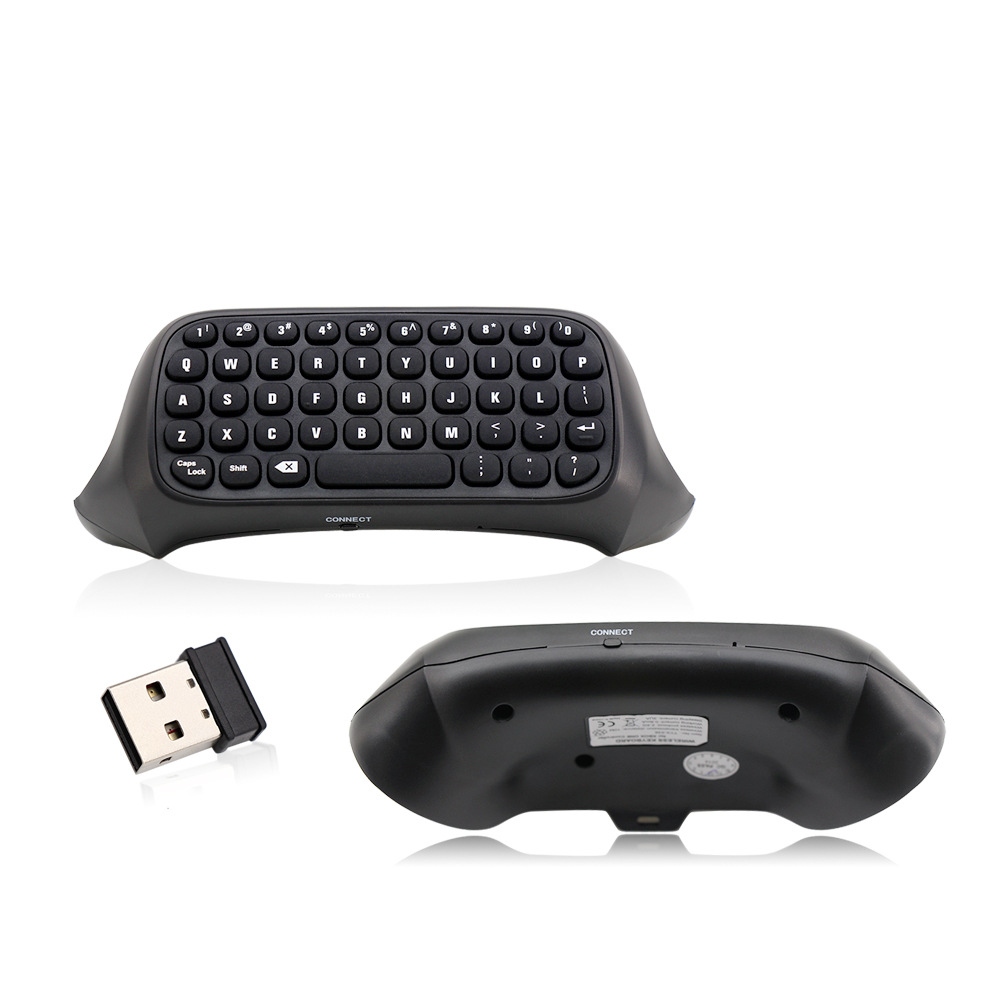
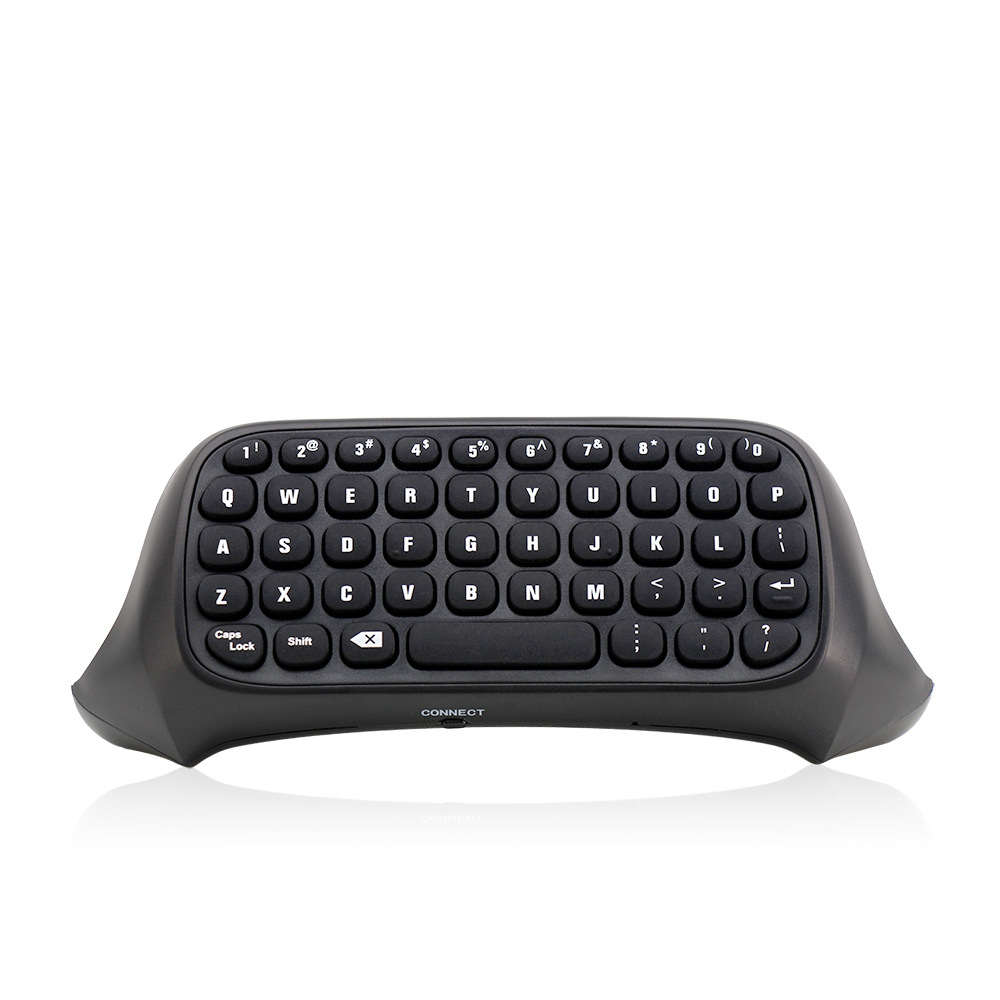
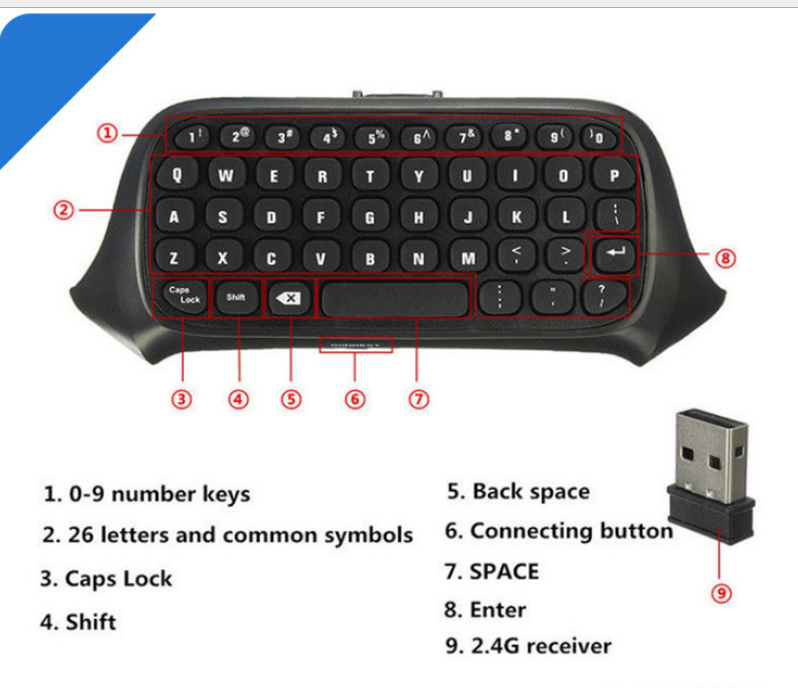
3. Align the two connecting posts of the keyboard with the holes of the controller, align the XBOX ONE headphone head with the seat on the back of the wireless controller, and then gently push the keyboard to the controller until it is stuck. .
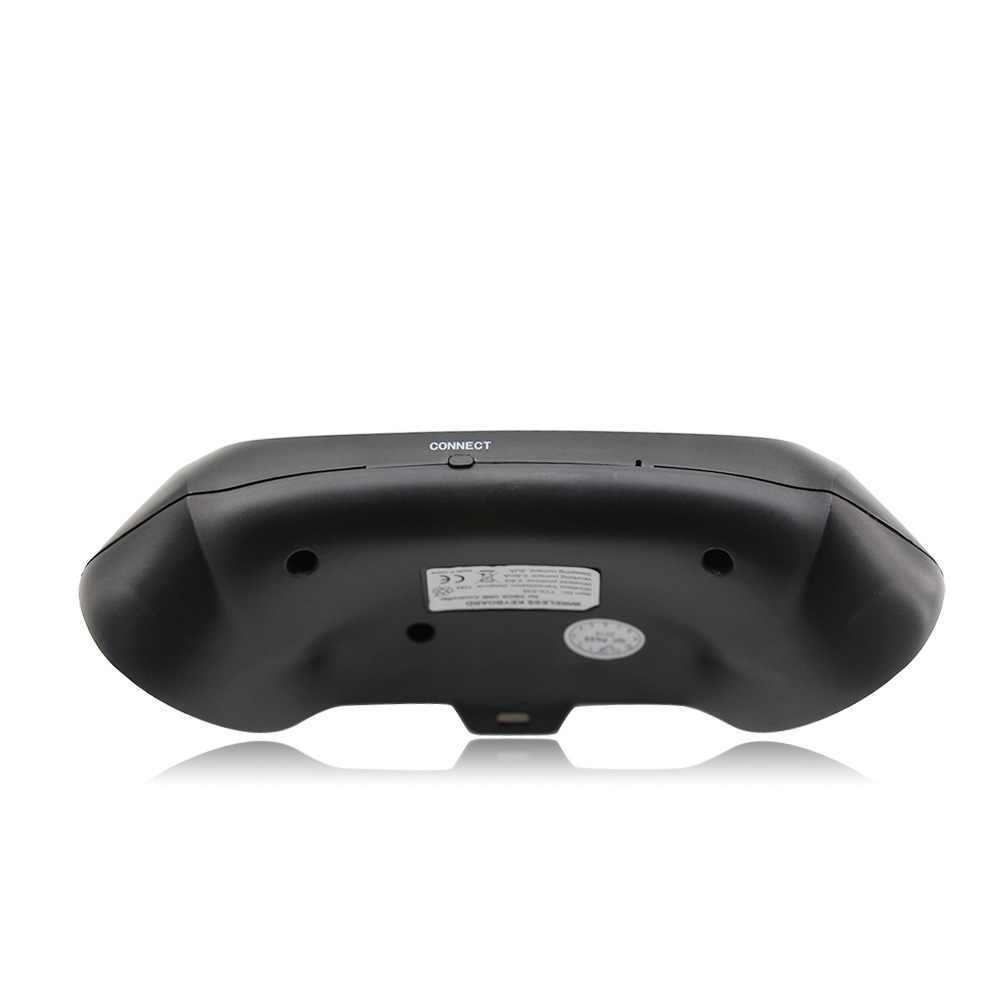
4. When the controller of the controller is connected, press the code button on the back of the XBOX one keyboard. The blue light of the XBOX one keyboard will be bright. At this point, the 2.4G receiver of the distribution is plugged into any USB port of the XBOX one host, and the XBOX one keyboard can be automatically completed.
5. After the code is completed, the XBOX one blue code light will be off, which means that the XBOX one keyboard can work normally. (If there is no code success, the blue pair of lights will turn off automatically for 12 seconds, indicating that the XBOX one keyboard enters the sleep power saving mode)
6. The XBOX one keyboard and the 2.4G receiver only need to be coded once, and the subsequent use only needs to open the host wake-up handle to be automatically connected and used directly.
7, XBOX one handle sleep, this product will also go to sleep. Press the “” button on the XBOX one handle to wake up the handle and keyboard.
| Shipping | This item ships to |
| Delivery | Estimated between and . Will usually ship within 1 business day. |
Description
Instructions for use:
1. Connect the XBOX one host power supply first, then connect the HDMI cable to the display device and turn on the XBOX one host power supply. The corresponding power indicator lights up.
2. Connect the Xbox_one handle to the XBOX one host (do not understand the manual)
3. Align the two connecting posts of the keyboard with the holes of the controller, align the XBOX ONE headphone head with the seat on the back of the wireless controller, and then gently push the keyboard to the controller until it is stuck. .
4. When the controller of the controller is connected, press the code button on the back of the XBOX one keyboard. The blue light of the XBOX one keyboard will be bright. At this point, the 2.4G receiver of the distribution is plugged into any USB port of the XBOX one host, and the XBOX one keyboard can be automatically completed.
5. After the code is completed, the XBOX one blue code light will be off, which means that the XBOX one keyboard can work normally. (If there is no code success, the blue pair of lights will turn off automatically for 12 seconds, indicating that the XBOX one keyboard enters the sleep power saving mode)
6. The XBOX one keyboard and the 2.4G receiver only need to be coded once, and the subsequent use only needs to open the host wake-up handle to be automatically connected and used directly.
7, XBOX one handle sleep, this product will also go to sleep. Press the “” button on the XBOX one handle to wake up the handle and keyboard.
Shipping
| Shipping | This item ships to |
| Delivery | Estimated between and . Will usually ship within 1 business day. |
Reviews


 00W High-Concentration Negative Ion Air Purifier & Household Odor Removal System for Home, Car, and Small Spaces
Color/Electrical outlet


 1080P HD Home Portable Voice Connection WiFi Mobile Phone Wireless Mini Projector
Color/format/version


 00W High-Concentration Negative Ion Air Purifier & Household Odor Removal System for Home, Car, and Small Spaces
Color/Electrical outlet
1080P HD Home Portable Voice Connection WiFi Mobile Phone Wireless Mini Projector
Color/format/version
00W High-Concentration Negative Ion Air Purifier & Household Odor Removal System for Home, Car, and Small Spaces
Color/Electrical outlet
1080P HD Home Portable Voice Connection WiFi Mobile Phone Wireless Mini Projector
Color/format/version